How to Use Admin Commands
Admin commands can be entered in two places: the server console (all commands work here) or in-game chat if you are logged in as an admin player (type the command in chat with a leading slash).
To give yourself admin rights in-game, run this from the server console first:
/setaccesslevel "YourUsername" admin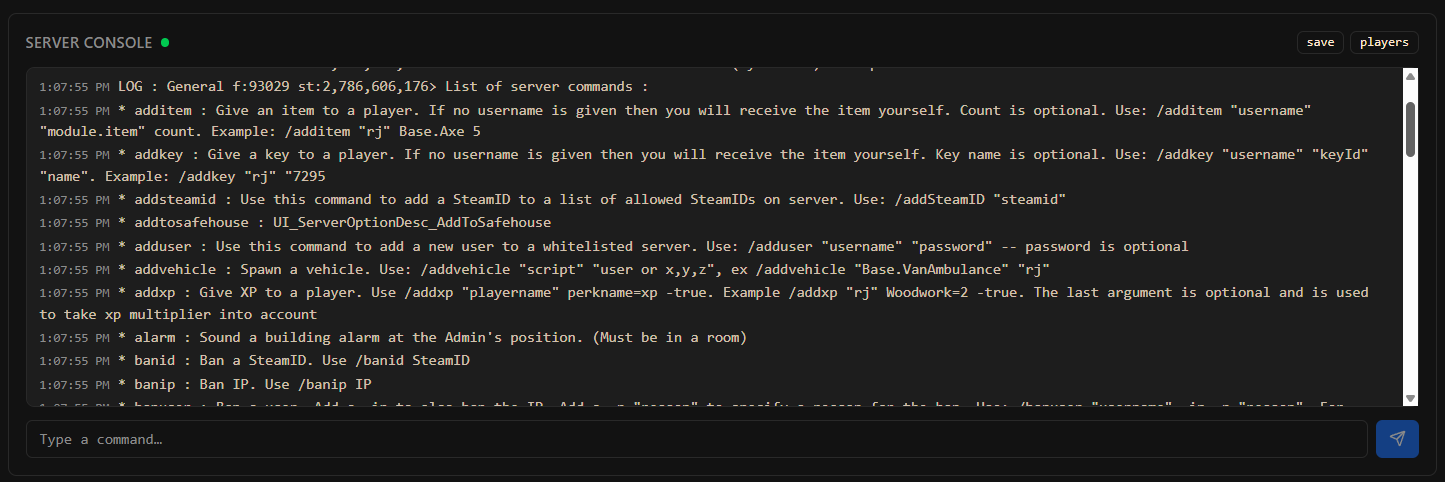
Player Management
/players- list all currently connected players/kick "username" "reason": kick a player with an optional reason message/ban "username" "reason": ban a player from the server/unban "username": remove a ban/setaccesslevel "username" level: set access level (none, observer, gm, overseer, moderator, admin)/invisible "username": toggle invisibility for a player/godmode "username": toggle god mode for a player/noclip "username": toggle noclip (walk through walls)/teleport "username1" "username2": teleport player 1 to player 2's location/teleportto x,y,z: teleport yourself to coordinates
Item Commands
/additem "username" "module.item": give an item to a player (e.g.Base.Axe)/addxp "username" perk=amount: add experience to a perk (e.g.Axe=1000)/addvehicle spawnername "username": spawn a vehicle near a player
World Commands
/startrain: start rain/stoprain: stop rain/chopper: trigger a helicopter event/gunshot: trigger a gunshot sound (attracts zombies)
Server Commands
/save: force save the world/quit: save and shut down the server cleanly/servermsg "message": send a global message to all players/changeoption optionname "value": change a server option at runtime/reloadoptions: reload server options from the config file/reloadlua: reload Lua scripts without restarting
Zombie Commands
/createhorde amount: spawn a zombie horde near your location/createhorde2 "username" amount: spawn a horde near a specific player
Access levels grant different subsets of commands. Full admin has all commands. Use moderator or gm for trusted players who should not have full server control.