Where to Find server.ini
Your server config file is located at:
.cache/Server/{servername}.iniReplace {servername} with your actual server name. You can edit this file directly through the Config page in the Scourge Panel without needing FTP or file manager access. Stop the server before making changes, then start it again for settings to take effect.
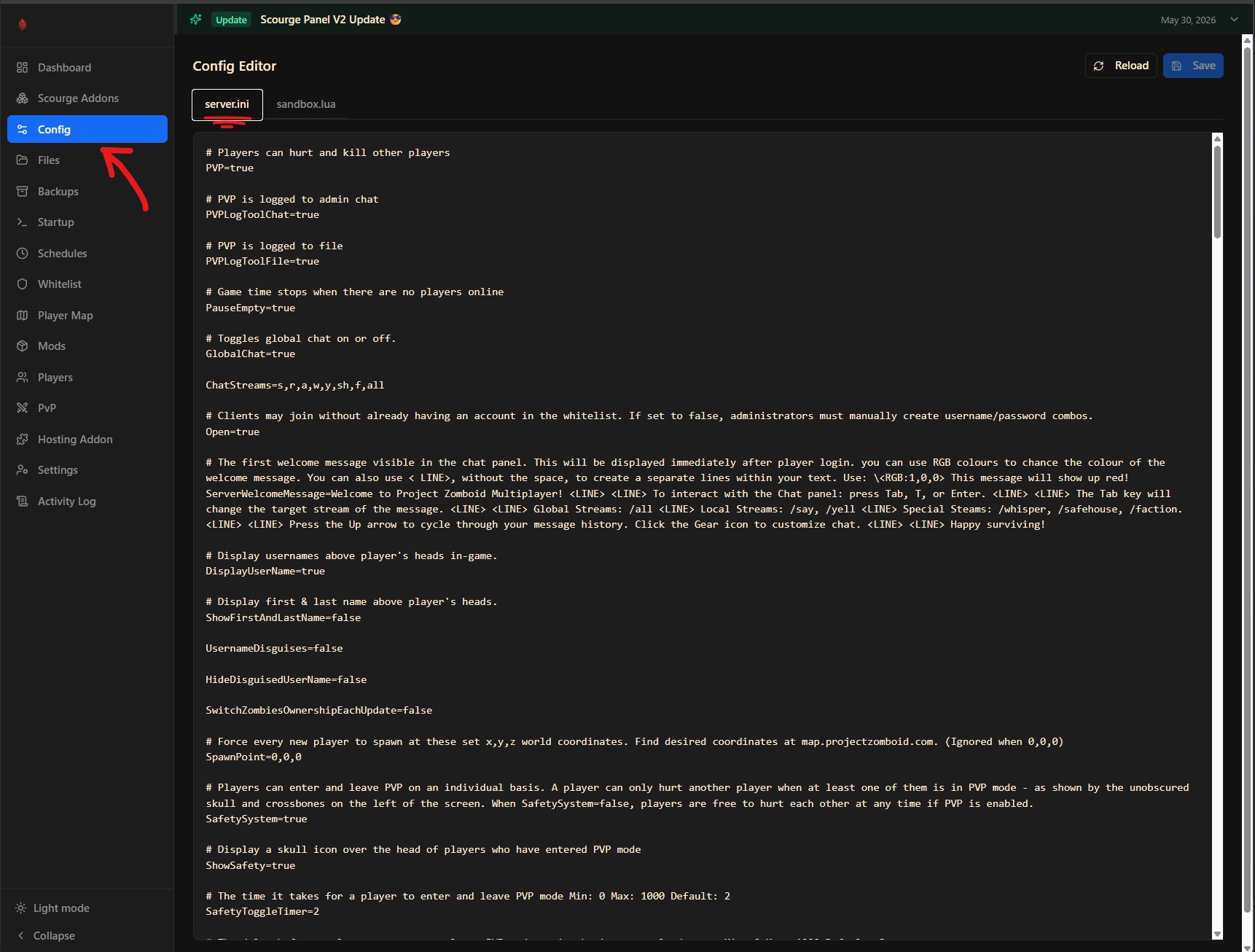
Basic Server Settings
PublicName: the name shown in the server browserPublicDescription: description shown when players click your serverPublic=true/false: whether the server appears in the public server listPassword: set a server password (leave blank for no password)MaxPlayers: maximum number of players allowed (default: 32)Port: main UDP port (default: 16261)UDPPort: direct connection port (default: 16262)
Gameplay Settings
PVP=true/false: enable or disable player vs player combatPauseEmpty=true/false: pause the game world when no players are onlineGlobalChat=true/false: allow players to chat across the entire mapOpen=true/false: allow players to join without an invite (true = open server)ServerWelcomeMessage: message shown to players when they connect
Mod Settings
Mods: semicolon-separated list of mod IDs to load (e.g.ModA;ModB)WorkshopItems: semicolon-separated Steam Workshop IDs matching the above modsMap: map to load; useMuldraugh, KYfor vanilla or add custom map names here
Backup and Save Settings
SaveWorldEveryMinutes: how often the world auto-saves (default: 0, meaning only on shutdown)BackupsCount: number of rolling backups to keepBackupsPeriod: how often backups are taken, in minutes
Anti-Cheat Settings
AntiCheatProtectionType1throughType24: individual anti-cheat checks; set totrueto enableKickFastPlayers=true/false: kick players who appear to be moving too fast
Admin and Whitelist
Whitelist=true/false: restrict connections to whitelisted players onlyAutoCreateUserInWhiteList=true/false: automatically add new players to the whitelist on first joinOpen=true/false: when false, only whitelisted players can connect
Zombie count, loot rarity, day length, and other difficulty settings are in the sandbox file at
.cache/Server/{servername}_SandboxVars.lua, editable from the Sandbox tab in the Config page. Safehouse permissions (SafehouseAllowTrepass, SafehouseAllowLoot, etc.) are in server.ini, not the sandbox file.